Lokaal assenstelsel
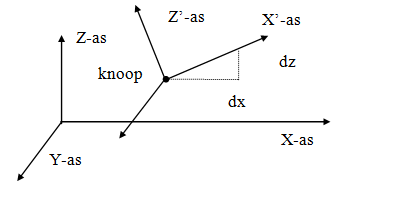
In elke knoop kan een (knoop-)assenstelsel worden toegepast.
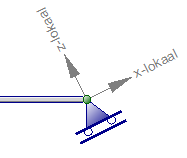
voorbeeld van een rol-oplegging onder een hoek.
De oorsprong ligt in de betreffende knoop. De richting van de X-as wordt bepaald door een hoek op te geven. (zie bovenstaande figuur). Lokale assenstelsels kunnen worden gebruikt om knoopbeperkingen (opleggingen of ‘restrains’), maar ook om knoopbelastingen en/of knoopverplaatsingen in een willekeurige richting op te geven
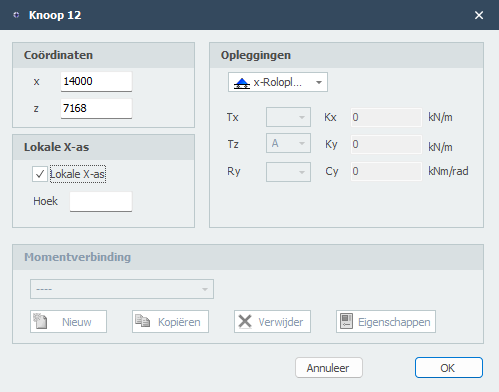
Lokale X-as
Hoek
De hoek van de lokale x-as in graden met de globale x-as. Tegengesteld aan de klokrichting is positief.
 Bekijk de demo.
XFrame2d 2.01